


Customer support teams often spend valuable time gathering information, categorising requests and answering the same questions repeatedly. AI can reduce this operational burden, but effective support automation should not remove people from conversations where empathy, judgement or accountability matters.
The goal is not to replace human support. It is to give support teams better context and more time to solve meaningful customer problems.
Where Support Teams Lose Time
Many support delays happen before an agent begins solving the actual problem.
Common examples include:
Reading and categorising incoming requests
Finding customer or account information
Repeating standard troubleshooting steps
Routing tickets to the correct team
Writing routine status updates
Recording outcomes after a conversation
These activities are necessary, but they do not always require manual effort.
What AI Can Handle Safely
AI works best when the task is predictable and the expected outcome is clear.
Request Classification
AI can identify the topic, urgency and likely owner of an incoming request. This helps reduce manual sorting and sends the issue to the appropriate queue faster.
Context Gathering
Before a support agent responds, an AI workflow can collect relevant information from connected systems and present it in one place.
Routine Responses
Frequently asked questions and simple status enquiries can be handled using approved information. Customers should still have a clear way to reach a person.
Follow-ups and Documentation
AI can prepare follow-up messages, create internal summaries and record the next action after a support interaction.
What Should Remain Human-Led
Some situations require judgement and empathy that should not be delegated completely to automation.
Human review is especially important for:
Complaints and emotionally sensitive conversations
Refunds, disputes or contractual issues
Security and privacy concerns
Unusual cases that do not match an approved process
Decisions with a significant customer or business impact
The system should recognise these cases and escalate them with the relevant context.
A Practical AI Support Workflow
A simple support workflow could operate as follows:
A customer request arrives through an approved channel.
AI identifies the subject, urgency and required team.
Relevant account and conversation context is collected.
A response is suggested or sent according to the approved policy.
Complex or sensitive cases are assigned to a human.
The outcome and next action are recorded.
This approach reduces repetitive work without removing ownership from the support team.
How to Measure the Result
Teams should evaluate support automation using operational and customer-focused measures, such as:
First-response time
Resolution time
Escalation rate
Reopened requests
Customer satisfaction
Accuracy of routing and suggested responses
Automation is useful only when it improves the experience without reducing quality or trust.
How Ryvon Fits
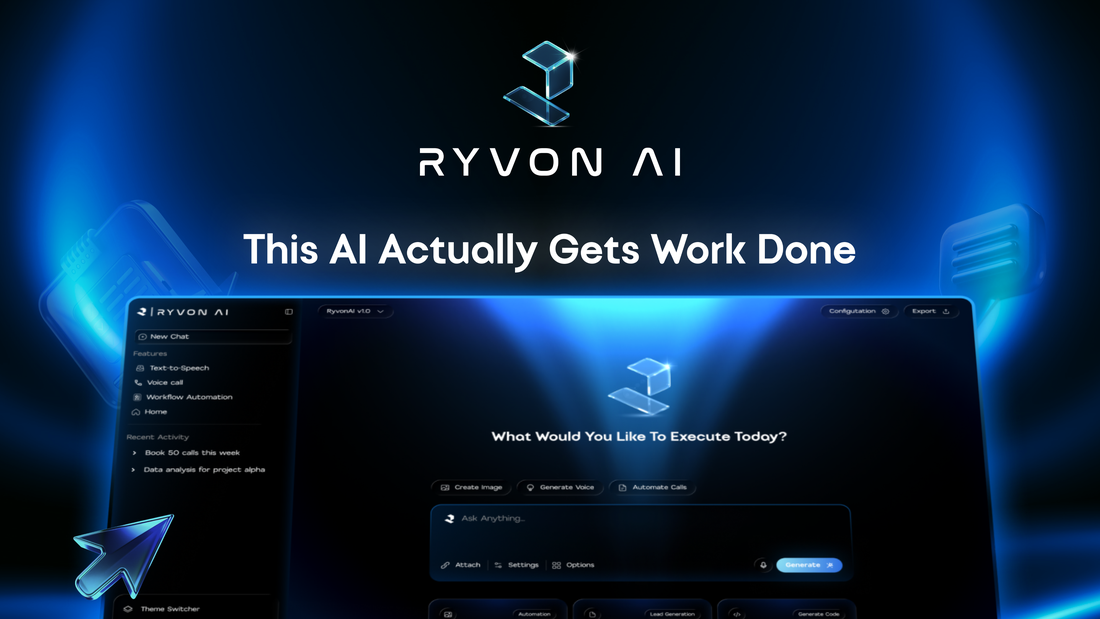
Ryvon is designed as an AI operating layer for modern teams. It can help teams coordinate workflows, calls and communication while keeping important actions visible and controlled.
The best place to begin is one repetitive support workflow with a clear owner, clear information sources and defined escalation rules.
Frequently Asked Questions
Will AI replace customer-support agents?
AI is better suited to repetitive administrative work than sensitive customer conversations. Human agents remain essential for judgement, empathy and exception handling.
Which support process should we automate first?
Start with a frequent, predictable request that follows a documented process and carries limited risk.
Should AI respond to customers automatically?
Only when the information and action are approved for automatic handling. Higher-risk responses should require human review.


