
One workspace for AI commands,workflows and outbound calling.
Use Cortex for supported tasks, Flow for repeatable automation, and Voice for outbound campaigns within shared Ryvon workspaces.


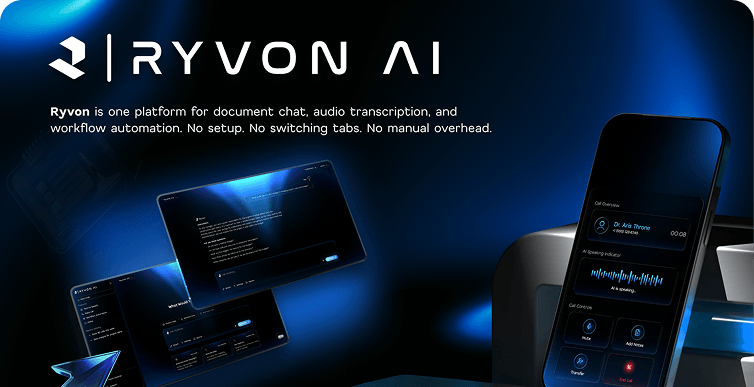
What RYVON
actually does ?
Most AI tells you what to do. Ryvon does it.



You tell Ryvon what you want in plain language — and it handles the rest.

Everything in one layer
The capabilities that make Ryvon feel like one system — not five tools taped together.
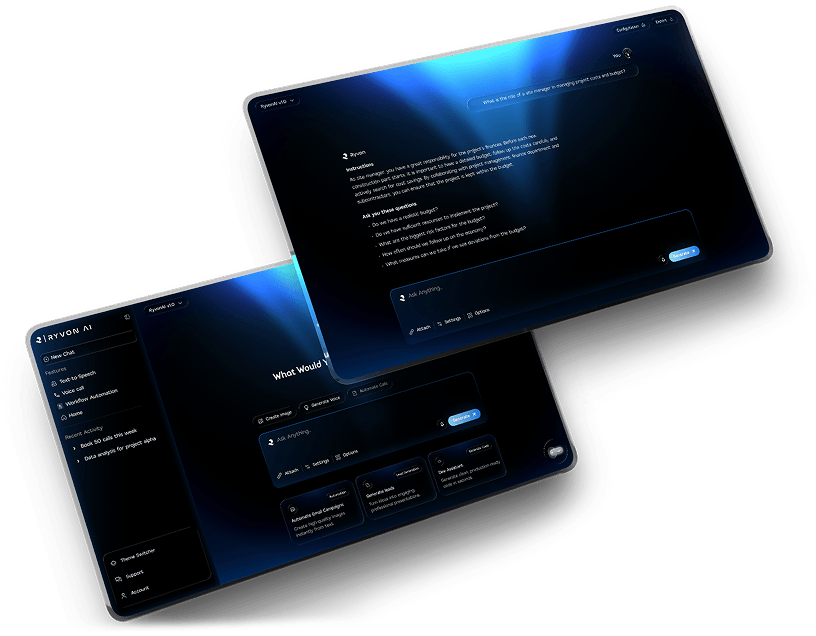
Run supported tasks with Cortex
Give Cortex a plain-language instruction, use connected tools where supported, and review the result in your workspace.
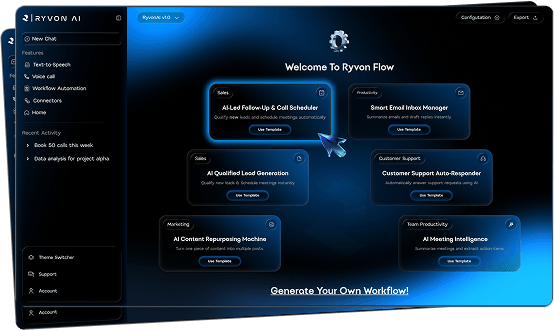
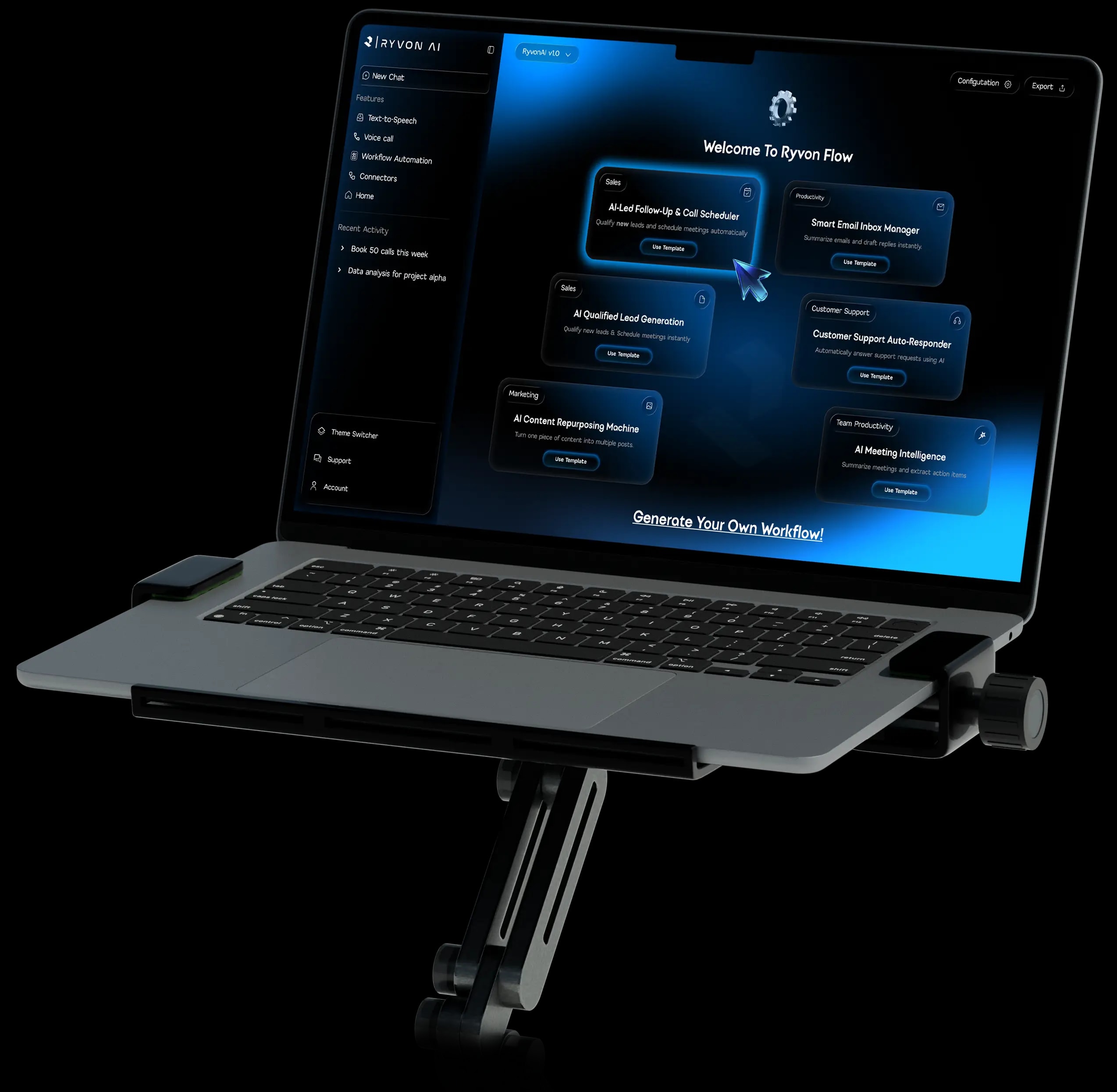
Build repeatable workflows with Flow.
Configure triggers and actions in a visual workflow, run it when needed, and review its history and failures.
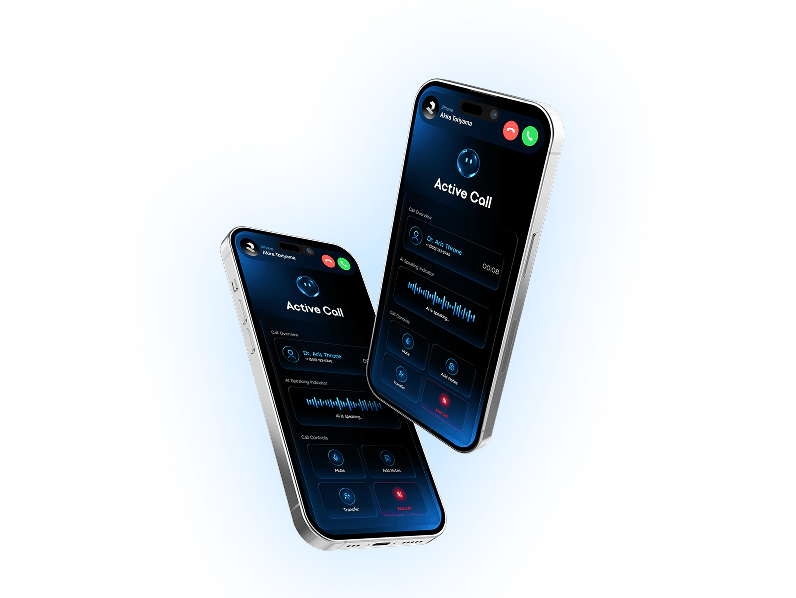
Run outbound AI calling campaigns.
Configure an agent, import leads, launch or schedule calls, and review transcripts, summaries and outcomes.

AI workflows for every team
From customer calls to project updates, Ryvon helps teams automate the work that happens across tools.
AI-Led Follow-Up & Call Scheduler
Qualify new leads and schedule meetings automatically


Get started withRYVON in minutes
Short guides and walkthroughs to help you connect tools, build your first workflow, and launch faster.
Connect Your Tools
Walk through connecting Gmail, Slack, Calendar, CRM, and Google Drive to start building your first workflow.
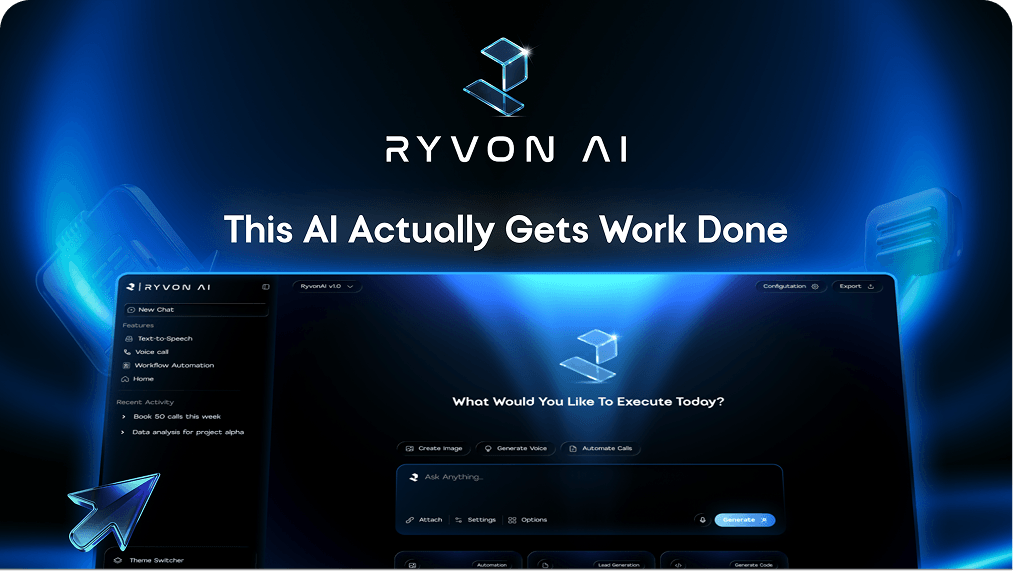
Build Your First Workflow
Step through creating a multi-step automation workflow using simple voice or text prompts on the Ryvon canvas.
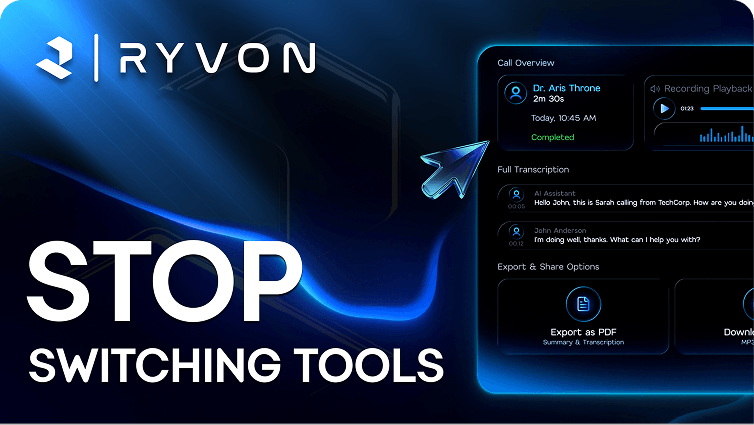
Stop Switching Tools
Learn how Ryvon unifies your daily work stack so you can execute tasks directly without switching apps.
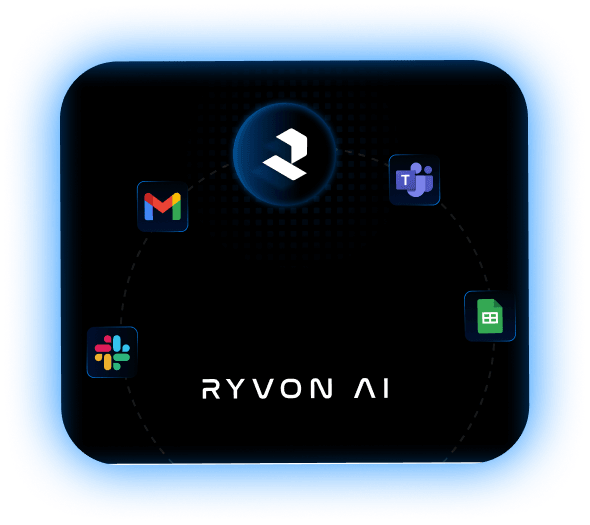
Connect RYVON with thetools your team already uses
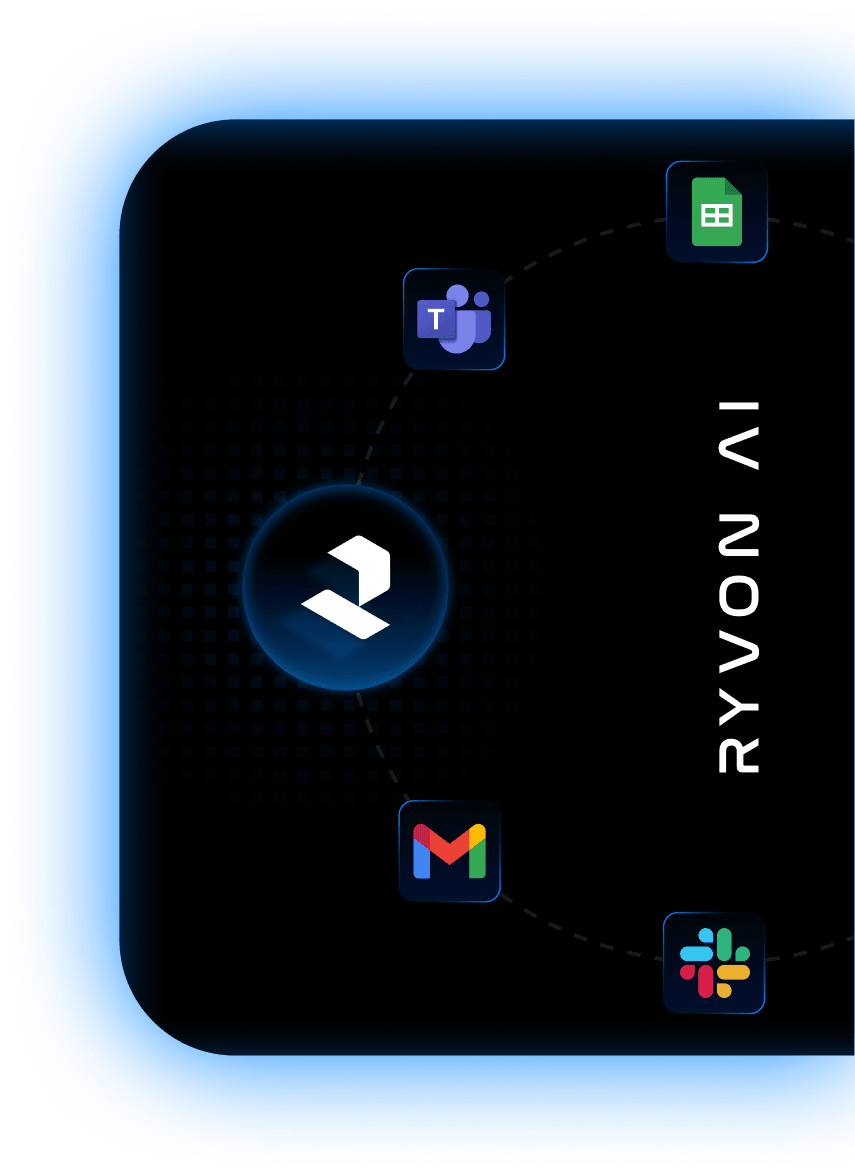
Connect the apps your team already uses and let Ryvon move work across them from one workspace.


Built with control and
visibility in mind.
Review connected access, available permissions and activity information as you configure Ryvon.




Data Privacy
Your data is never used to train AI models. All data is encrypted in transit and at rest. Ryvon is built to support GDPR and CCA data rights - including access, correction, and deletion - from day one.
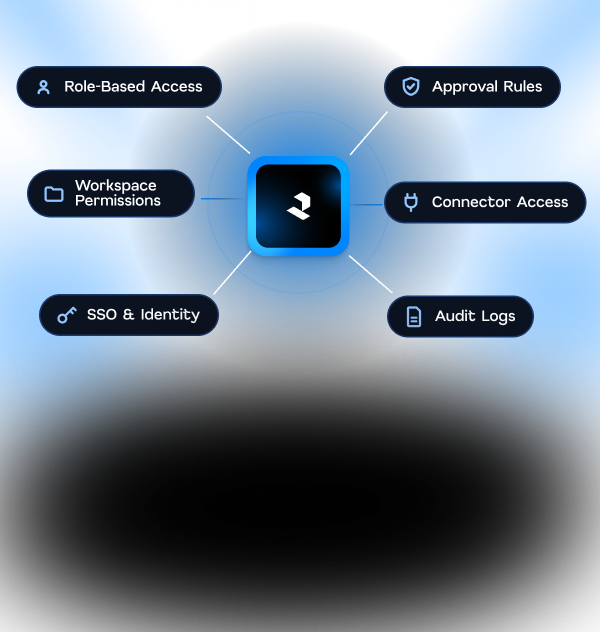
Access Controls
Role-based permissions across every workspace and connected tool. Approval steps can be added before sensitive actions run. Admin controls let you review and revoke access at any time.

Compliance
SOC 2 Type II readiness in progress, with the full report to follow. Data handling practices are documented and shared directly with enterprise teams on request — nothing hidden, nothing assumed.

Product questions,answered

 Get started
Let's build what's next, together.
See how Ryvon can help your team move faster with AI that gets real work done.
